Buying Guides
10 Best Starlink Mini Accessories
Shop the top 10
Every pick is in the Veritas store today.
The lifetime guarantee covers the Starlink mounts Veritas manufactures. Other accessories Veritas makes carry a one-year Veritas warranty, and third-party gear is covered by its own manufacturer's warranty. Read the guarantee terms
Starlink Mini is already built for mobility. The right accessories make it easier to mount, power, protect, secure, and pack so you can get internet anywhere with less trial and error.
| Accessory | What it solves | Best for |
|---|---|---|
| Starlink Mini Mount | Protects and supports the dish | Mobile setups |
| Magnets | Fast no-drill attachment | Steel vehicle roofs |
| VHB discs | Magnetic mounting on non-magnetic surfaces | Fiberglass, aluminum, plastic |
| Suction cups | Temporary mounting on smooth surfaces | Glass, interiors, smooth panels |
| Swivel extensions | Leveling on curved surfaces | Vans, truck caps, campers |
| Security cable | Theft deterrence | Campgrounds, trailheads, cities |
| Battery adapters | Fast field power | Job sites and tool kits |
| PeakDo battery | Cord-free portable power | Travel and off-grid use |
| Power cables | Clean, reliable power paths | Longer or permanent runs |
| Travel case | One organized storage system | Frequent travel |
1. Starlink Mini Mount
Start with the mount. The Veritas Starlink Mini Mount protects the dish and gives every other attachment a solid foundation. It is CNC cut from HDPE, fits the Mini snugly, and still lets the kickstand work when the case is installed.

2. Rubber-Coated Magnets
Magnets are the fastest way to attach Starlink Mini to a steel vehicle surface. The rubber coating helps protect paint, and the four-magnet setup gives you a strong set-it-and-forget-it mount without tools.
3. VHB Metal Discs
Magnets need metal. VHB discs create magnetic attachment points on non-magnetic surfaces like aluminum, fiberglass, composite panels, plastic roofs, and rubber roofs.
4. Suction Cups
Suction cups are useful when you want a temporary setup on glass or another smooth surface. They work best for interior mounting when you want the dish inside a vehicle under a sunroof or window.
5. Swivel Extensions
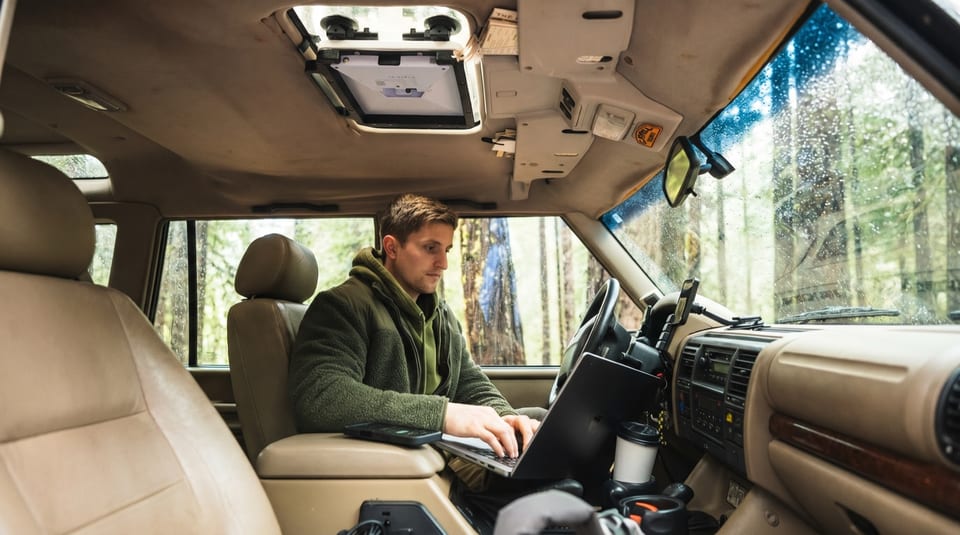
Curved roofs can make a dish sit awkwardly. Swivel extensions help level the attachment points so the Mini can make better contact with the surface. More contact means a stronger, cleaner hold.
6. Security Cable
If the dish is outside, security matters. A security cable helps keep your Starlink Mini locked down in campgrounds, trailheads, job sites, and urban spots. It turns your setup from grab-and-go into something that takes tools and effort to remove.
7. Drill Battery Adapters
Drill battery adapters are a simple field-power option. If you already carry DeWalt or Milwaukee batteries, you can power Starlink Mini without building a complicated electrical system.
8. PeakDo Battery and Adapter
The PeakDo battery is a compact portable power option for cord-free Starlink Mini use. Paired with the Veritas adapter, it integrates into the mount and keeps the battery protected while you travel.
9. Power Cable Options
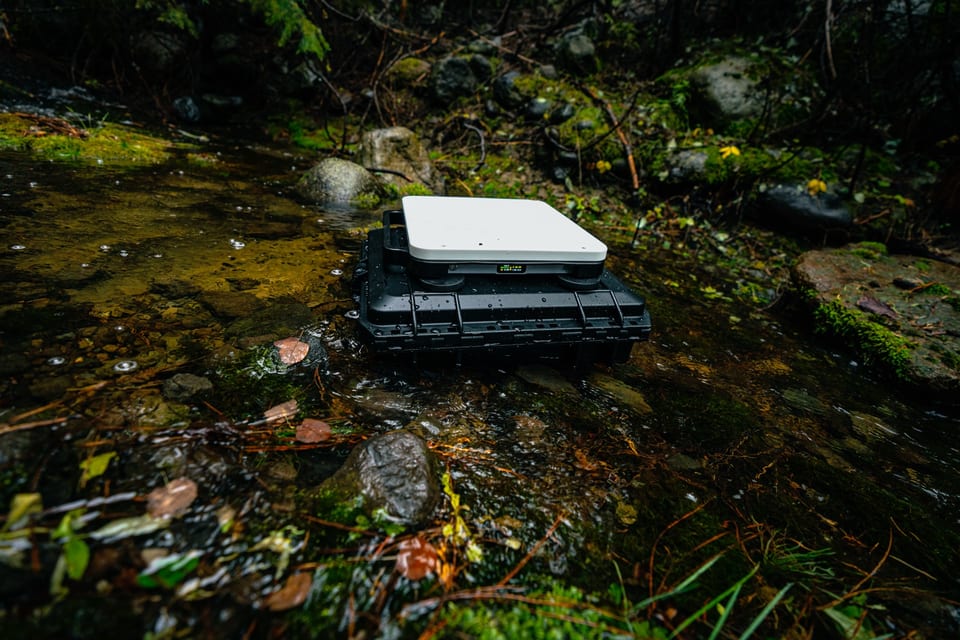
Power cables are easy to overlook until your Starlink Mini starts rebooting. Veritas power options use heavier-gauge wiring and weather-sealed connectors to help deliver steady power from your vehicle, USB-C setup, hardwire install, or longer cable run.
10. Travel Case
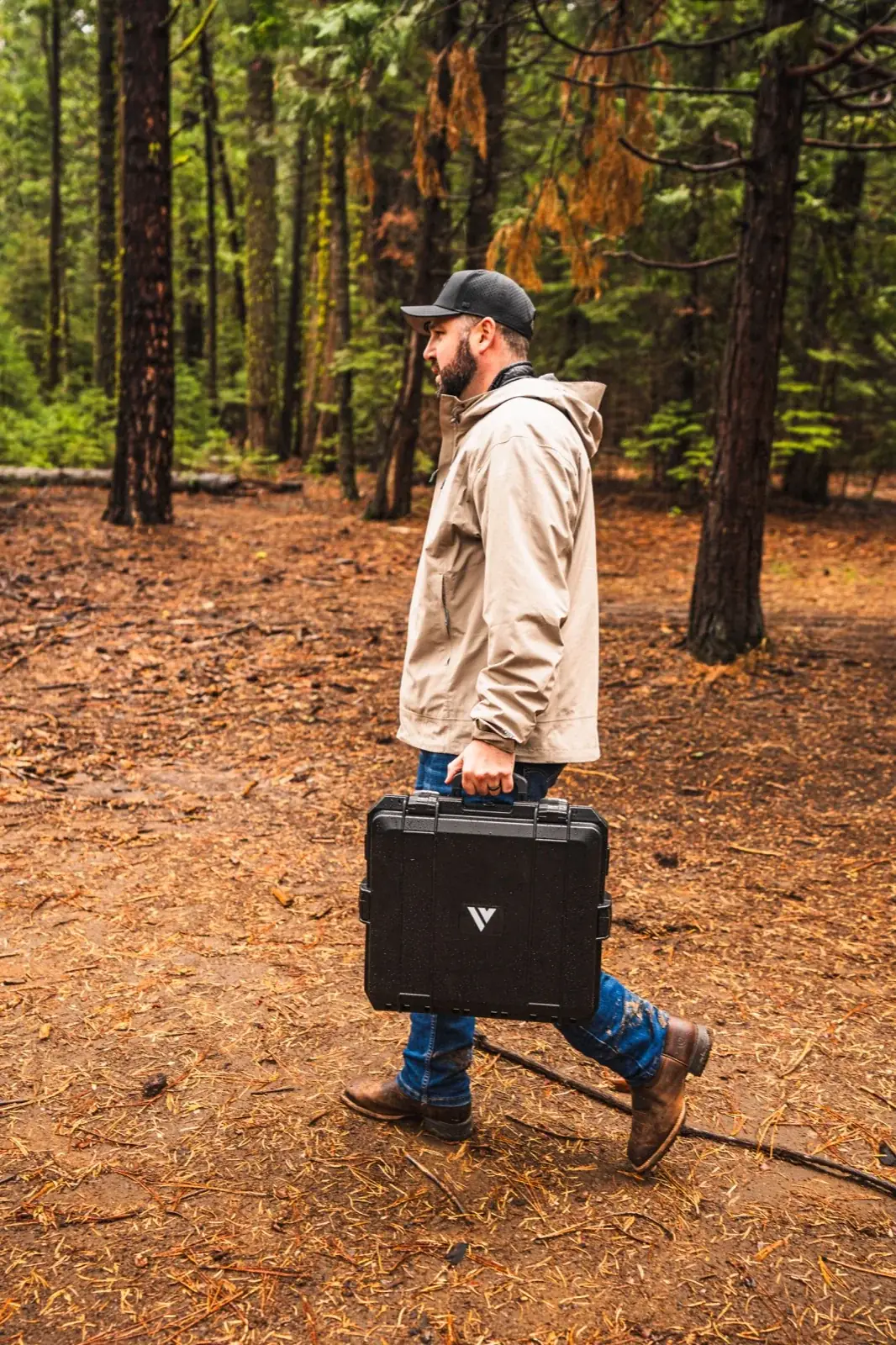
A travel case ties the whole setup together. The hard case protects the Mini, mount, attachments, cables, and power accessories. The soft case is lighter and smaller when you want a more compact carry option.
Honorable Mentions
The bolt-on handle makes it easier to grab, carry, and lift the mounted Mini off strong magnets. Rack mount adapters are worth considering if you want a more permanent setup on 8020 rail or another bolt-down surface.
Questions We Get A Lot
Most mobile users should start with a mount, a way to attach it, a power plan, cable protection, and a case. The exact setup depends on where you mount it and how long you need power.
Yes, but use hardware built for the surface. Magnets work on steel. VHB discs help on non-magnetic surfaces. Suction cups work on smooth glass or panels.
You can use vehicle power, USB-C power, drill battery adapters, portable batteries, or longer cable runs. Match the power accessory to your run time and use case.
A case is worth it if you move the dish often. It protects the dish, mount, attachments, cables, and power accessories in one place.
Yes. Veritas sells mounts, power, protection, cases, cables, and accessories to equip your Starlink for travel and work.
Every Starlink mount Veritas manufactures is covered by the Veritas Lifetime Guarantee: if it cracks, breaks, or fails in normal use, Veritas repairs or replaces it at no product cost for as long as the original owner has it. Other accessories Veritas makes are backed by a one-year Veritas warranty, and third-party gear Veritas carries is covered by its own manufacturer's warranty.
Get your Starlink Mini accessories in one order
Mount, attachments, power, and a case that all fit together, in one order from Veritas. Every Veritas mount is CNC-cut in California and covered by the Veritas Lifetime Guarantee.
Shop Starlink Mini accessories or keep reading the guides below.
Related guides